

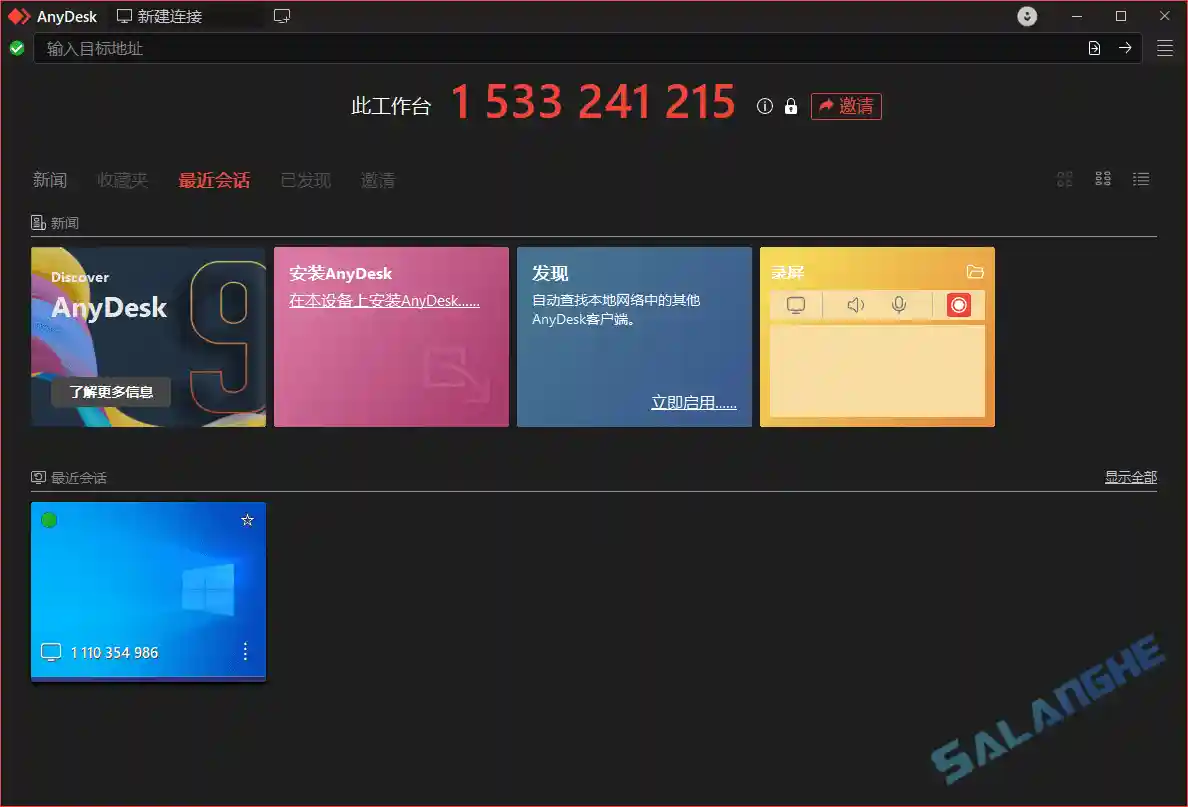
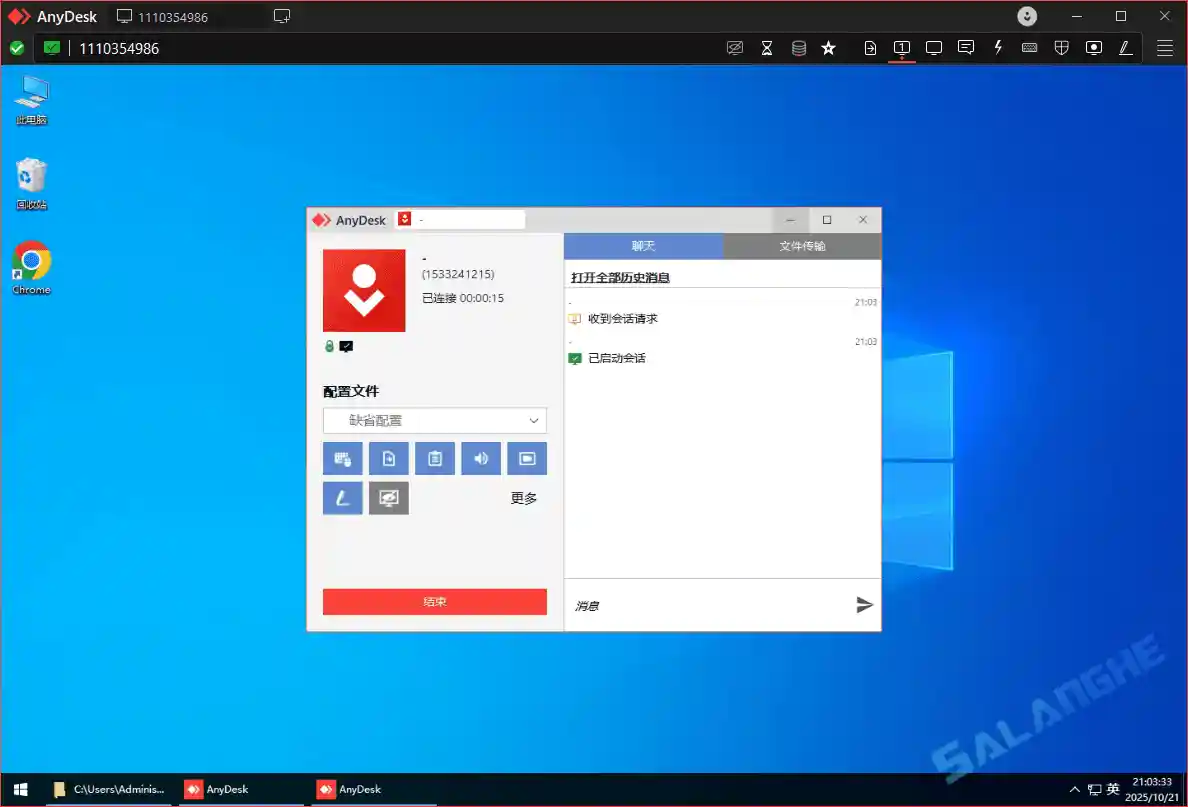
AnyDesk 是一款轻量高效的远程桌面控制工具,采用 DeskRT 编解码技术,提供低延迟、流畅的远程连接体验,支持无人值守访问、文件传输、远程打印、剪贴板同步以及跨平台协作,并可在复杂网络环境下快速建立远程连接,适合远程办公、技术支持和电脑维护。SALANGHE 提供 AnyDesk v9.8.1 中文绿色便携版,无需安装,不写入系统注册表,解压后即可直接运行,个人用户可免费使用。
# 新版变化
Changelog – AnyDesk
https://download.anydesk.com/changelog.txt
06.10.2026 – 9.8.1 (Windows)
Fixed Bugs:
- Fixed an issue where clicking the “Enable now” link in a Discovery tile did not enable the feature
Other Changes:
- Improved login functionality
29.09.2026 – 9.8.0 (Windows)
New Features:
- Improved drag and drop support
- In the AnyDesk One meeting feature, the indication that another participant is speaking is shown in a more prominent color
- In the AnyDesk One meeting feature, the meeting ID is now uses a textual format
- In the AnyDesk One meeting feature, when currently in a meeting this is indicated by a red dot added to the menu icon
Fixed Bugs:
- Fixed crashes when activating Discovery via the tile
- Fixed a crash when cancelling a file transfer and closing the session
- Fixed file transfers breaking after switching sides
- Fixed the Install Printer checkbox not being displayed in the installation window
- Fixed the 2FA checkbox in Security Settings not responding to changes
- Fixed a bug in the AnyDesk One meeting feature which spuriously showed a normal participant as host in the meeting information panel
- Fixed a bug in the AnyDesk One meeting feature where the “mute all” button behaved inconsistently
Other Changes:
- Improved the AnyDesk One UI
# 功能特性
- 远程桌面访问:快速安全连接,随时随地控制其他计算机
- 跨平台支持:覆盖 Windows、macOS、Linux、Android、iOS,实现多设备无缝切换
- 低延迟高性能:独特视频压缩算法,保障流畅桌面操作体验
- 文件传输:拖放即可完成远程与本地设备间文件共享
- 远程打印:远程会话中可将文件打印到本地打印机,提升效率
- 会话记录:支持录制远程控制过程,适用于审计与培训
- 自定义界面:企业用户可定制界面,契合品牌形象
- 安全加密:采用 TLS 1.2 与 RSA 2048 公钥加密,守护连接安全隐私
- 无人值守访问:无需手动批准,即可连接远程设备
- 多设备管理:企业版提供统一管理功能,便于维护远程设备
# 下载地址
AnyDesk 9.8.1 Multilingual (2026/10/07)
https://download.anydesk.com/AnyDesk.exe


老板新功能远程锁屏太真实,已经被抓一次摸鱼😂
绿色版解压就能用,小巧得离谱,出差救急神器
刚在咖啡馆连家里电脑,拖文件飞快,比TV香多了!